Fart Together Not Working? Lag, Crashes & Connection Fixes
No official fix list from GamesMrkt. Covers Steam PC requirements, generic Steam and Windows checks, and player-reported invite and room-code issues.
FAQ
Why is Fart Together not working online?
Does Fart Together lag because of PC specs?
How do you fix Fart Together crashes on Steam?
What if friend invites or room codes fail?
Can I refund if the game will not run?
Why is this troubleshooting page limited?
GamesMrkt has not published a fix list for crashes, lag, or disconnects, and we have not reproduced those issues in our own playtests. This fart together not working guide combines three safe layers: what Steam requires for online co-op, generic Steam and Windows maintenance that applies to most PC titles, and player-reported symptoms from the Steam discussion hub (labeled clearly when we cite them).
We will not invent error strings, port numbers, NAT type advice, or server regions. The game’s netcode and backend layout are undocumented on the store page.
What the game officially requires
Online co-op needs a working PC that meets Steam’s specs plus a stable internet connection. Steam lists Online Co-op and repeats in the requirements footnote: A stable internet connection is required for online co-op.
Read the full minimum and recommended tables on system requirements. If you are below the minimum GPU or RAM lines, fix hardware expectations before chasing network tweaks.
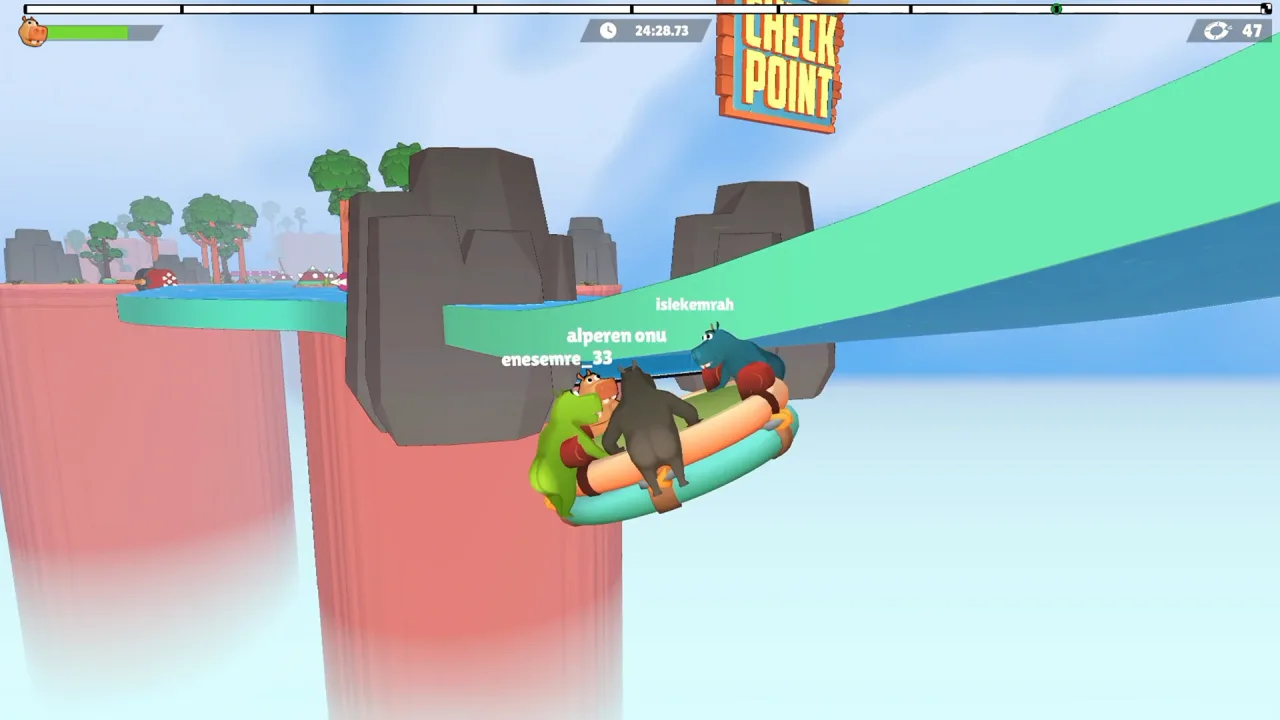
Multiplayer is two to four players on one raft per store copy. Session setup problems overlap with how to invite friends and how many players can join.
Symptom → what to try
Every row is generic advice. None are confirmed one-click fixes from the developer.
| Symptom | What to try first | Notes |
|---|---|---|
| Cannot join friends; invite does nothing | Same Steam app for everyone (Demo vs EA), restart game and Steam, host creates a new room | Player reports also mention broken room codes (player-reported, not confirmed) |
| “Room does not exist” or code ignored | Re-copy code; host recreates session; confirm all players updated the same build | Forum reports only; no official code rules published |
| High ping / rubber-banding | Use wired Ethernet if possible; pause downloads on the same network; pick nearer friends for testing | Steam mandates stable internet; no in-game region menu verified |
| Low FPS / stutter | Compare hardware to system requirements; lower in-game settings if the menu offers them; update GPU drivers | We have no benchmark sheet for this title |
| Crash to desktop | Verify game files in Steam; update Windows; update GPU driver; disable optional overlays temporarily | No official crash catalog |
| Game will not launch | Verify game files in Steam; restart PC; update GPU drivers | Windows-only on Steam listing |
| Audio or input oddities | Check Steam Input and controller settings under game Properties; test keyboard vs controller | See controls for what bindings are actually published |
Standard Steam and Windows steps (generally accurate)
These steps come from common Steam PC support practice, not from a Fart Together patch note.
Verify integrity of game files
- Open Steam → Library.
- Right-click Fart Together or Fart Together Demo → Properties.
- Open Installed Files (or Local Files on some clients) → Verify integrity of game files.
- Wait for verification to finish, then relaunch.
Update GPU drivers
Use NVIDIA GeForce Experience, AMD Software, or Intel Arc tools, or download drivers from the vendor site matching your card. Steam lists DirectX 11; keep Windows Updates current for DX runtimes.
Restart Steam and reduce hook conflicts
Fully exit Steam (tray icon → Quit) and reopen. Close optional overlay, FPS, or recording tools you do not need for one test session. This is general multiplayer troubleshooting, not a guaranteed fix for this game.
Windows background load
Closing heavy browser download tabs or other bandwidth-heavy apps can help both FPS and online stability on weak PCs. Optional Windows Game Mode may help some systems and does nothing on others; we cite it only as optional general Windows advice, not a developer fix.


Player-reported multiplayer issues
Steam discussion threads, not developer patch notes, describe some invite and room-code failures. Wording varies by player, but recurring themes on the hub accessed 24 Oct 2026 include:
- Invites that appear to do nothing after acceptance.
- Room codes that fail for one side while another player sees “room does not exist.”
- Uneven access to invite options between two friends in the same friend group.
Treat those as player-reported, not confirmed by the developer. Do not treat forum jokes or meme reviews as technical evidence.
We intentionally skip threads we only saw by title (for example split-screen questions) because titles alone do not prove a mode exists.
Detailed invite context lives on how to invite friends.
When to stop troubleshooting and report
We have no developer-confirmed fix involving Windows registry edits or port forwarding, so we do not recommend either. Instead:
- Capture exact symptom, Demo vs EA app, Windows version, and GPU model.
- Note whether the issue happens solo, hosting, or joining.
- Post on Steam discussions: https://steamcommunity.com/app/5117550/discussions/
- Watch the Steam store page for news updates after Early Access launch.
If the game is unplayable on your machine after generic fixes, review Steam’s refund policy directly: https://store.steampowered.com/steam_refunds/
Sources
- Fart Together on Steam
- Fart Together Demo on Steam
- Steam refund policy
- Steam community discussions hub (player-reported multiplayer threads, accessed 24 Oct 2026)
Last verified: October 24, 2026.
Related Articles
guides
Fart Together Beginner Guide: Set Up Before You Play
Fart Together beginner guide: try the free Steam Demo, check PC specs, gather 2–4 online players, know what controls are unconfirmed, and what Early Access includes.
guides
Fart Together Controls: What Is Confirmed So Far
Steam lists keyboard-only play and full controller support. Only ESC beside AYRIL (leave) is verified in the official trailer; movement binds are unpublished.
guides
How Many Players in Fart Together? Solo, 2, 3, and 4
Steam lists 2–4 player online co-op on one raft, not single-player or split-screen. Solo and 3-player starts are unconfirmed; Team Race is not in EA.
Was this helpful?
Thanks for the feedback!