Fart Together on Steam Deck: Compatibility Status
Steam shows no Steam Deck rating for Fart Together yet. What Verified means, confirmed controller support, min GPU class, and how to test with the free Demo.
FAQ
Is Fart Together Steam Deck Verified?
Does Fart Together have controller support on Steam?
Will Fart Together work offline on Steam Deck?
Can I test Fart Together on Steam Deck before buying EA?
Where should I check for an updated Deck badge?
Is Fart Together playable on Steam Deck?
There is no official Steam Deck verdict yet: as of October 24, 2026, Steam shows no Steam Deck compatibility rating for Fart Together or the Demo.
We cannot say “it runs fine,” “should run,” or quote ProtonDB tiers. ProtonDB summary could not be retrieved during our audit. This page states what Steam confirms and what remains unknown before Early Access on release date October 29, 2026.
What Steam Deck ratings mean (general)
Valve assigns Verified, Playable, Unsupported, or leaves the rating blank until testing is done. Wording below is paraphrased from public Steam Deck documentation:
| Label | Typical meaning |
|---|---|
| Verified | Expected to work well on Deck out of the box; text readable; sensible defaults. |
| Playable | Runs but may need settings tweaks, smaller text, or shorter sessions. |
| Unsupported | Valve marks the title as a poor Deck fit. |
| No rating / Unknown | Valve has not published a result yet. This is Fart Together’s state today. |
A blank rating is not a pass or fail. It means wait for Valve or test yourself.
What is confirmed that matters for Deck
Steam lists Windows, controller options, online co-op requirements, and PC minimum GPU class, but not Deck performance or readability. Details below come from the Steam store page and requirements, not from our playtests:
- Steam lists Windows for the EA app. Deck runs many Windows games through Proton; compatibility is case-by-case until Valve rates it.
- Steam shows Full controller support and Keyboard Only Option. The Early Access FAQ mentions Xbox and PlayStation DualSense controllers. We have no official rebinding chart. See controls.
- Steam lists Online Co-op; PC requirements say a stable internet connection is required for online co-op. Deck needs reliable Wi‑Fi or a phone hotspot like any other PC.
- Steam’s minimum GPU class is NVIDIA GTX 1050 Ti or AMD RX 560. Deck’s AMD APU is not directly comparable to desktop part numbers. We do not infer FPS from spec sheets alone.
For full tables, read system requirements.
What is not known yet
Deck badge, FPS, HUD readability, default controls on Deck, and ProtonDB community reports are all unverified for this title.
| Question | Status |
|---|---|
| Deck Verified / Playable / Unsupported badge | Unknown (no store rating) |
| Stable FPS at 800p / 720p | Unknown (no benchmarks) |
| HUD text size on a 7-inch screen | Unknown (official UI screenshots use small timers and counters) |
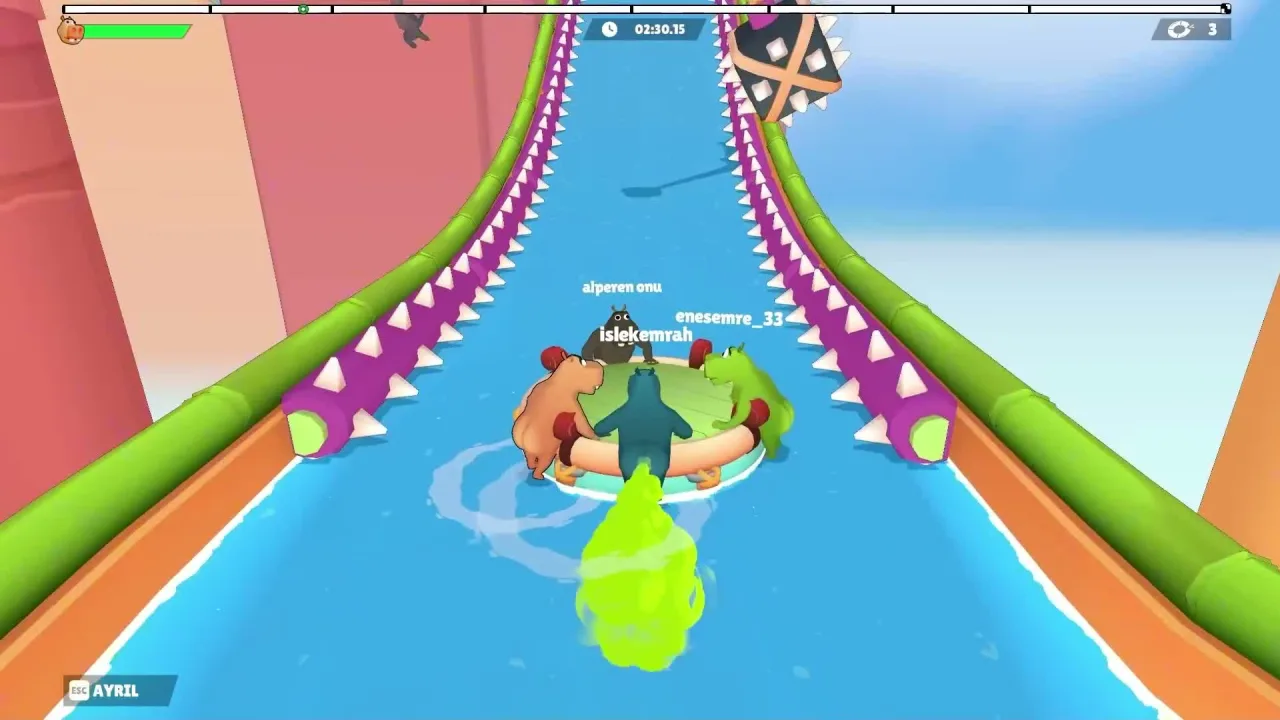
| Default control layout on Deck trackpads vs stick | Unknown (only verified on-screen key prompt is ESC with AYRIL leave label in trailer footage; see controls) |
| ProtonDB community tier | Not retrieved |
| Whether keyboard-only mode is practical on Deck | Unknown |
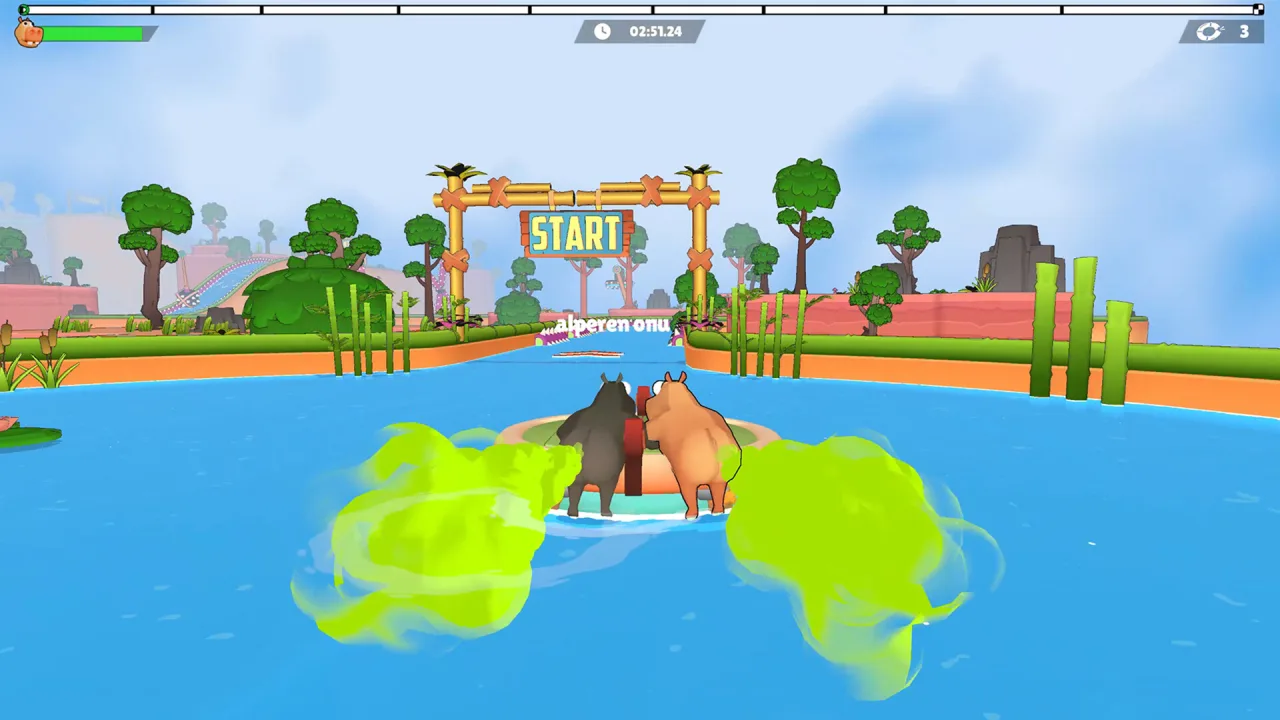
Official media shows segmented progress bars, timers, and corner counters in gameplay HUDs. We do not know if those stay readable on Deck without zoom or Steam’s UI scaling.
What you can do before Early Access
Before Early Access, check the live Deck badge on Steam, try the free Demo on your Deck if you want a launch test, and read Valve’s refund policy before you buy.
- On Steam, scroll to the Steam Deck compatibility section. Re-check after October 29, 2026 in case Valve updates post-launch.
- The Fart Together Demo is free and had the same unrated Deck status as the main app in our check. Launching the demo on your Deck shows whether Proton starts the build; it does not prove EA performance.
- If you purchase EA on Deck and it fails to run, refund rules depend on Valve’s current Steam Refund Policy at store.steampowered.com/steam-refunds. We do not quote hour or day limits here because those terms change. Read the live page before you buy.
- Matchmaking and invites are not documented on the store page. See how to invite friends and troubleshooting for generic connectivity steps.
Steam Deck vs desktop PC for this game
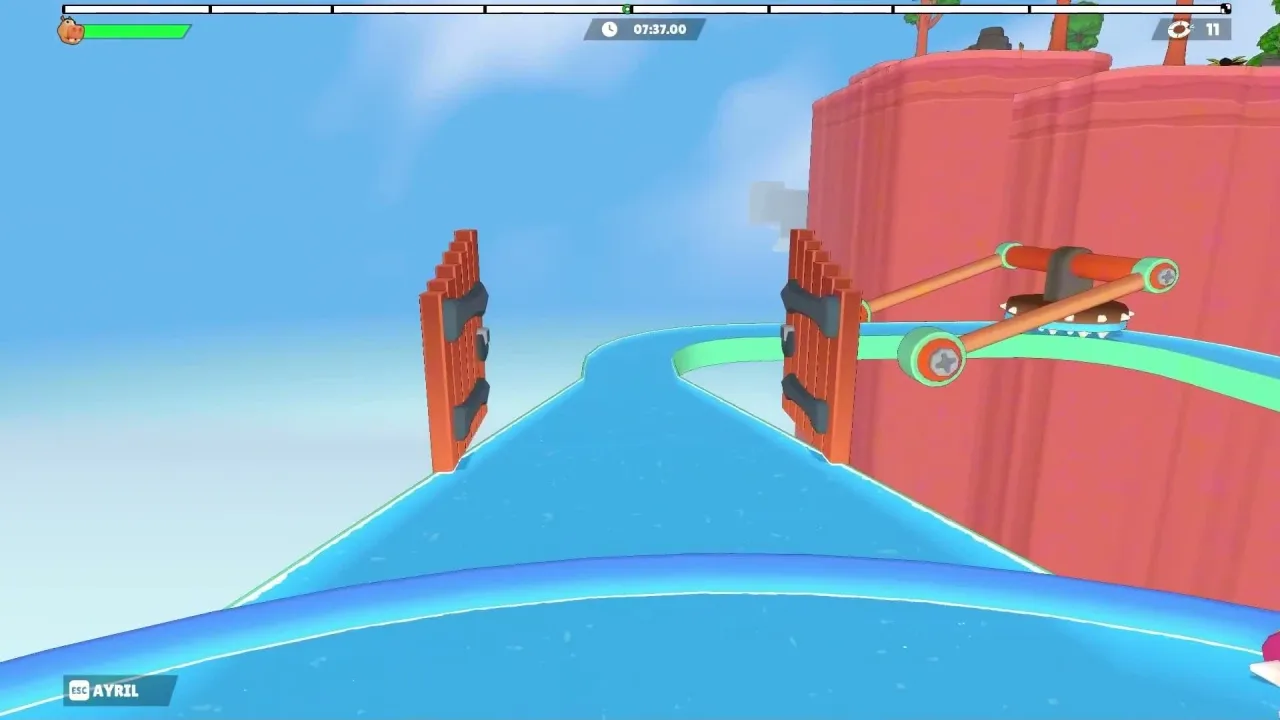
Fart Together is built as a 2–4 player online co-op obstacle course on one raft per Steam copy. That social loop matters more than raw portability: if your friends play on desktop, you still need working online co-op on Deck, not just a solo boot.
If you only own a Deck and no Windows PC, the honest pre-launch answer is: wait for Valve’s rating or test the demo, and read Early Access scope so you know Team Race is not in the first EA build.
Sources
- Fart Together — Steam store page (App 5117550)
- Fart Together Demo — Steam store page (App 5208630)
- Steam Deck compatibility report — Fart Together (checked 2026-10-24)
- Steam Refund Policy (general reference; read live terms before purchase)
Last verified: October 24, 2026.
Related Articles
guides
Fart Together Beginner Guide: Set Up Before You Play
Fart Together beginner guide: try the free Steam Demo, check PC specs, gather 2–4 online players, know what controls are unconfirmed, and what Early Access includes.
guides
Fart Together Controls: What Is Confirmed So Far
Steam lists keyboard-only play and full controller support. Only ESC beside AYRIL (leave) is verified in the official trailer; movement binds are unpublished.
guides
How Many Players in Fart Together? Solo, 2, 3, and 4
Steam lists 2–4 player online co-op on one raft, not single-player or split-screen. Solo and 3-player starts are unconfirmed; Team Race is not in EA.
Was this helpful?
Thanks for the feedback!